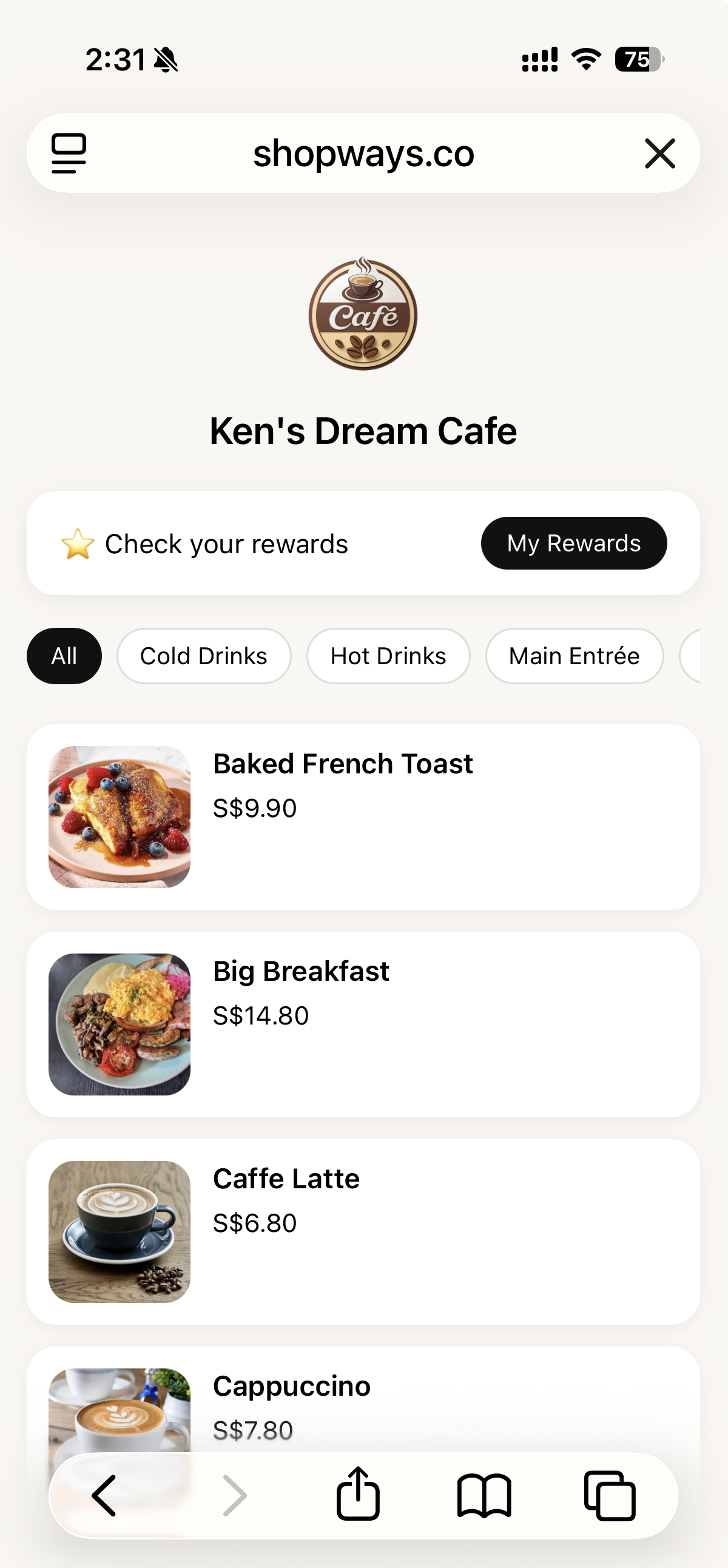
App-less QR Menu for Cafés & Coffee Bars
Customers scan and browse your menu instantly — no app, no reprinting. Update items & prices once in Shopways iPad POS, and your QR Menu stays in sync everywhere.
Customers scan and browse your menu instantly — no app, no reprinting. Update items & prices once in Shopways iPad POS, and your QR Menu stays in sync everywhere.
A fast, mobile-friendly web menu for cafés. Customers scan, browse, and decide before they reach the counter.
Place QR codes at the entrance, tables, or counter. Customers scan using their phone camera — no special app needed.
They see your latest drinks, food, specials and upsells in a clean, mobile layout that matches your café’s branding.
Customers decide faster and order with confidence. In future, you can pair QR Menu with stamp rewards and QR payments as your café grows.
Skip reprints and price stickers — your QR Menu pulls directly from your iPad POS product list.
Change a price or item on the iPad and your QR Menu reflects it instantly on the web.
Mark items as unavailable to avoid “sorry, sold out” moments at the counter.
Showcase seasonal drinks or limited bakes with photos and short descriptions.
Keep a simple board or table tent, and let QR handle the full, always-up-to-date menu.
QR Menu is built to be simple: if your POS is set up, you already have a mobile-friendly menu ready to go.
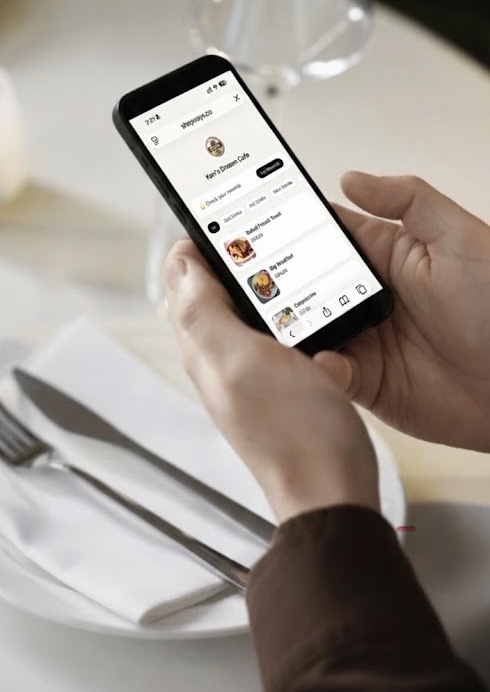
Want loyalty later? Enable stamp rewards and customers redeem at the counter using a live success screen designed to prevent screenshots and repeat claims.
QR Menu works on its own — rewards are simply an add-on you can turn on later.
QR Menu is not a separate app or plugin. It’s part of the same Shopways iPad POS you use to ring up orders, print receipts and accept PayNow & SGQR payments.
Already using Shopways? Talk to us about turning on QR Menu for your café.